Visualize it in your space
Upload a photo of the place where you picture the sculpture, choose a work and position it. You will see the before and after in seconds.
01 Upload a photo of your space
JPG or PNG. Your photo is never uploaded to a server: everything happens in your browser.
02 Choose a sculpture
More works will be added to the tool soon.
03 Position and adjust
Drag the sculpture to move it. On a phone, pinch with two fingers to resize it.
Real scale
Draw a vertical line over something of known height (a door is about 210 cm; a table about 75 cm) and enter its height.
Place the sculpture next to the reference for accurate proportions.
Drop a photo here or tap “Choose photo”
First upload a photo of your space.
This photo could not be opened. Please try a JPG or PNG image.
How it works
- 01Take a photoOf your living room, hallway, office, terrace or garden. Ideally straight on and in good light.
- 02Choose and placeSelect a sculpture, move it, adjust its size and light, and add a plinth if needed.
- 03Compare and askTap “Before” and “After” to compare, download the image or send it to us for advice.
Privacy: the photo is processed only on your device. It only reaches us if you choose to send the enquiry with the image.
Collections
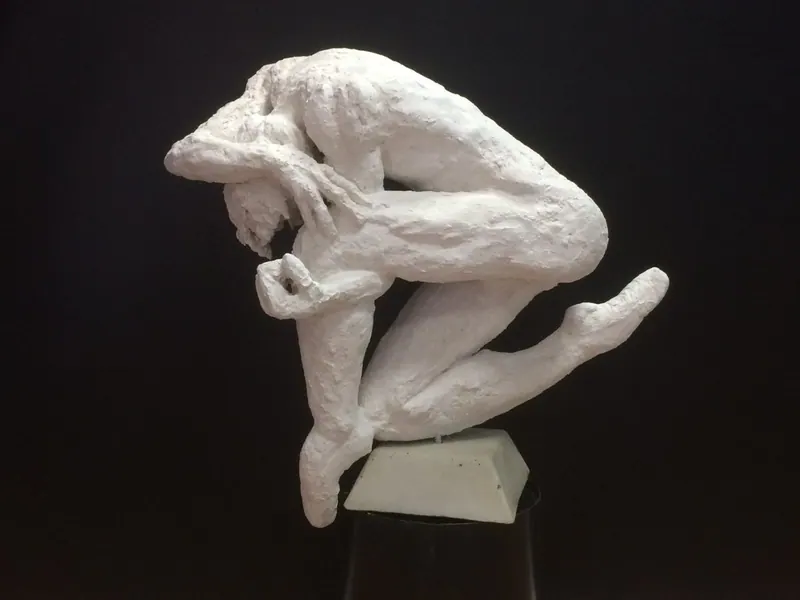
Torsion Collection
A work inspired by the twisting of the body and the continuous effort of adaptation.
Discover →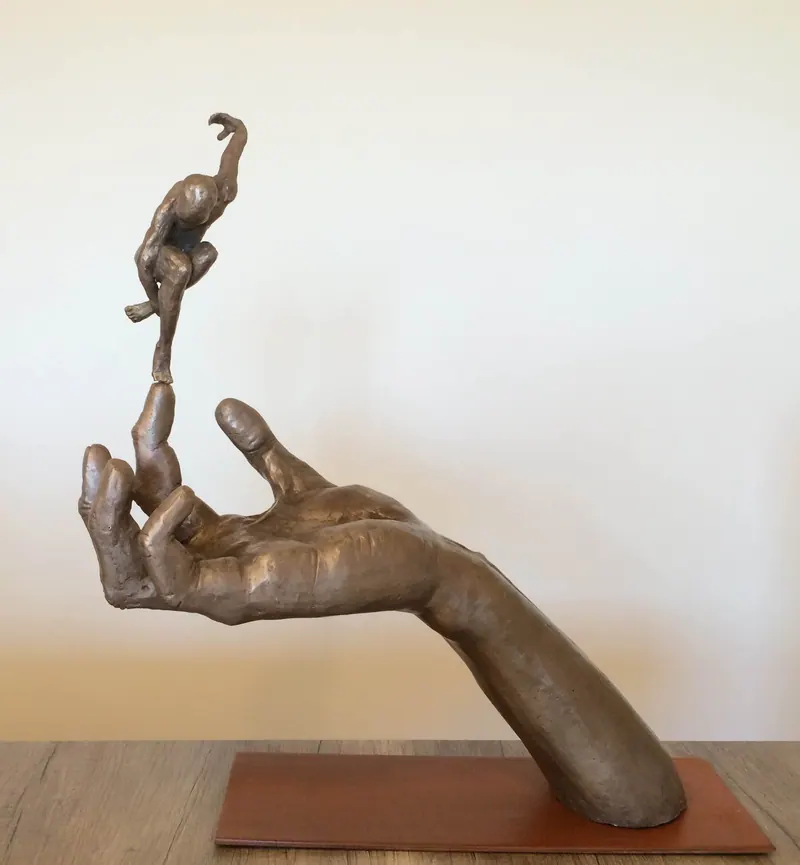
Holding Beauty Collection
A bronze collection about the coexistence of strength, beauty and transformation.
Discover →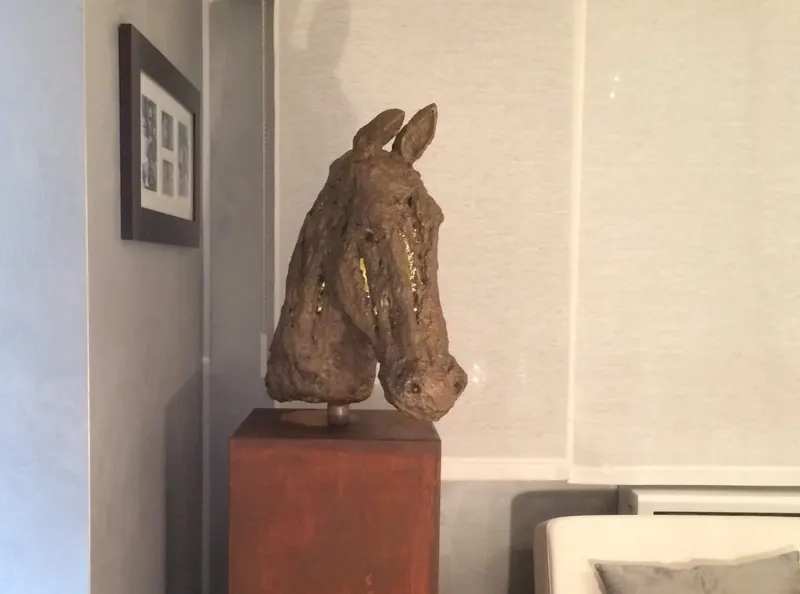
Energía Infusa
A work inspired by the power of the horse as a symbol of drive, strength and transformation.
Discover →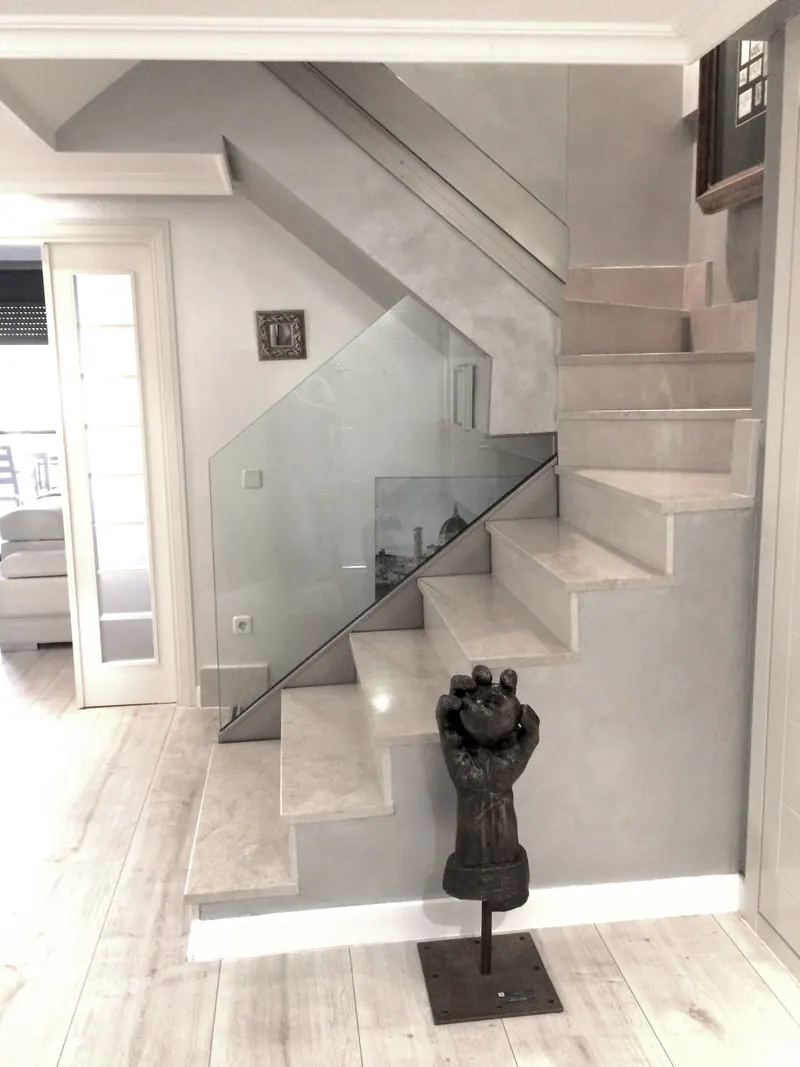
Fruit of the Earth
A dark bronze sculpture about work, matter and the gathering of food.
Discover →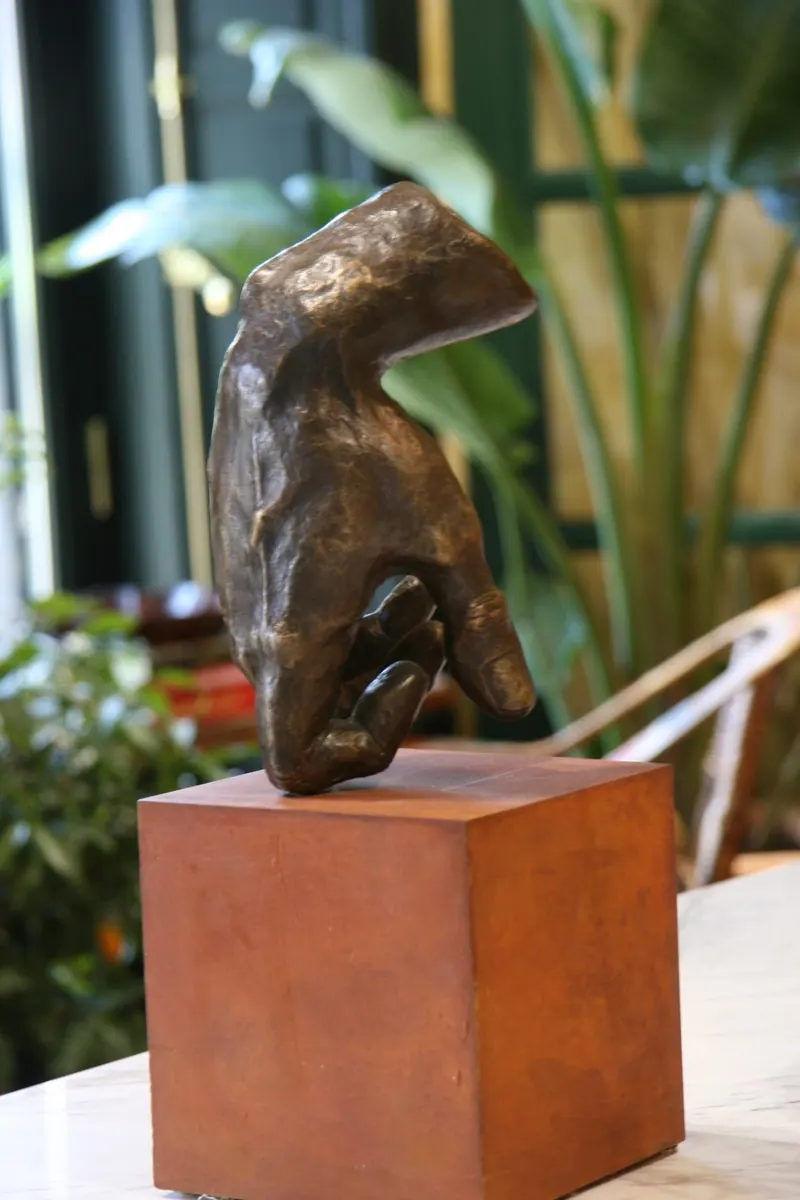
Reflect
A dark bronze composition exploring the distance between body and mind.
Discover →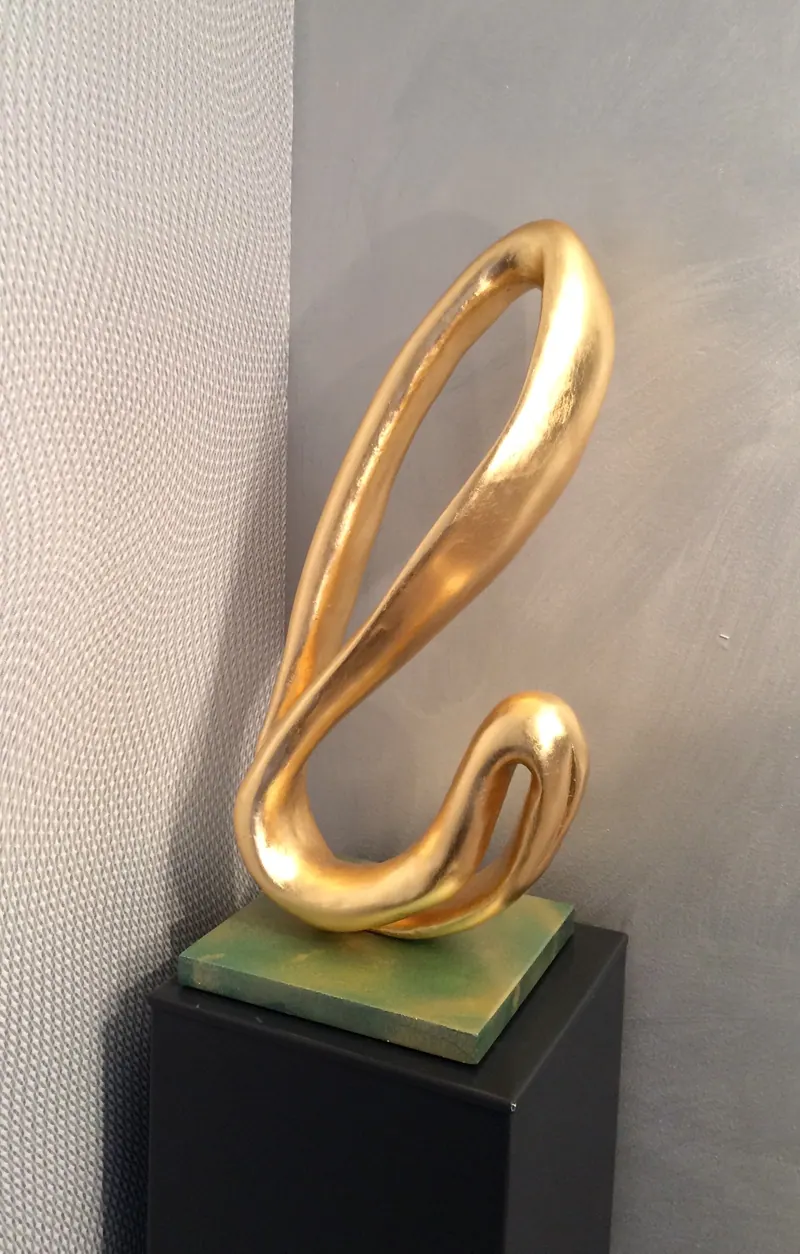
Palm Collection
A sculpture inspired by the flexibility of palm leaves.
Discover →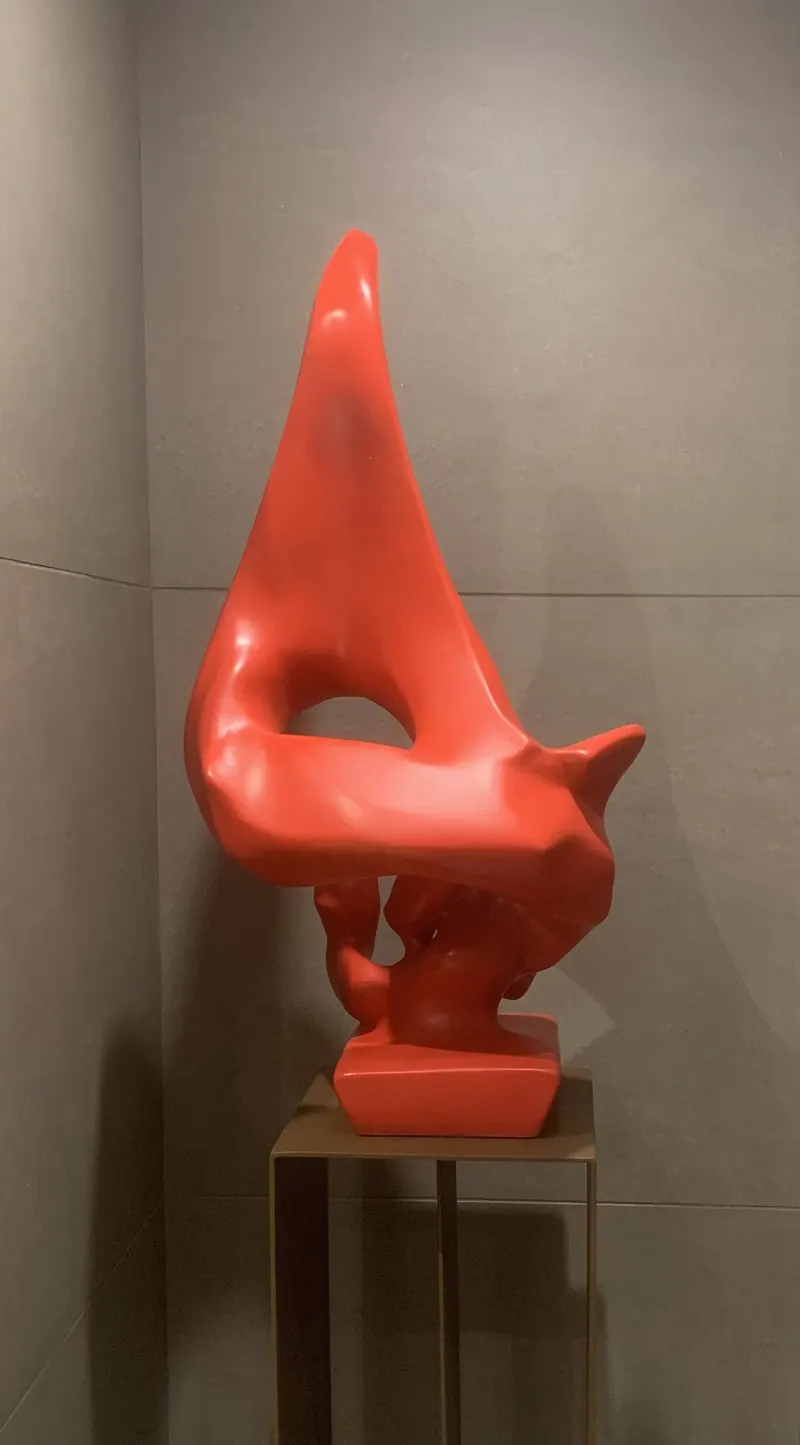
Waves Collection
A sculpture inspired by the sea, light, shadow and shifting perception.
Discover →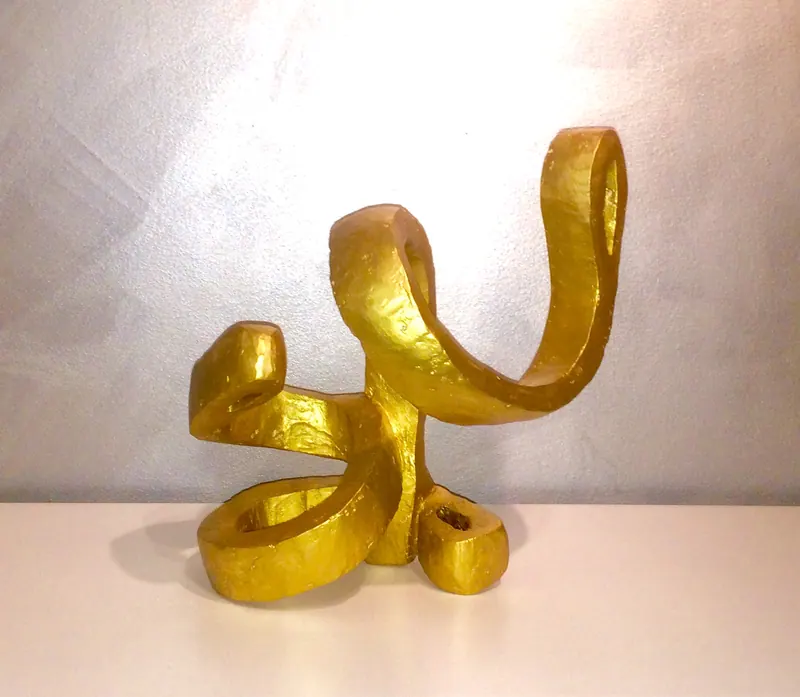
Nudos
Gold-finished forms that knot and intertwine around themselves.
Discover →